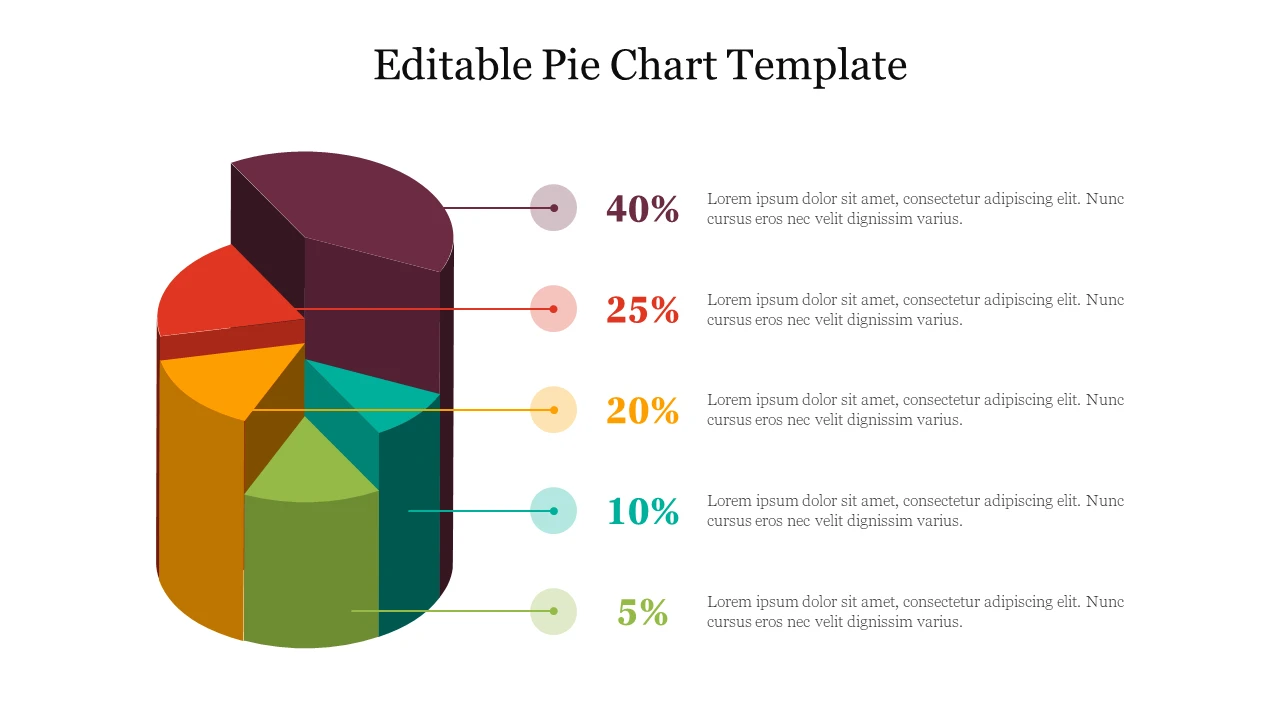
Pie charts are a popular way to visually represent the part-to-whole relationship in a dataset. They make it easy to see how different categories contribute to a total, showing proportions and percentages. This makes pie charts useful for comparing the relative size of categories and identifying the largest or smallest portions.
In this article, we will explore the what, why, key elements, how to, and tips for creating and interpreting pie charts.
What are Pie Charts?
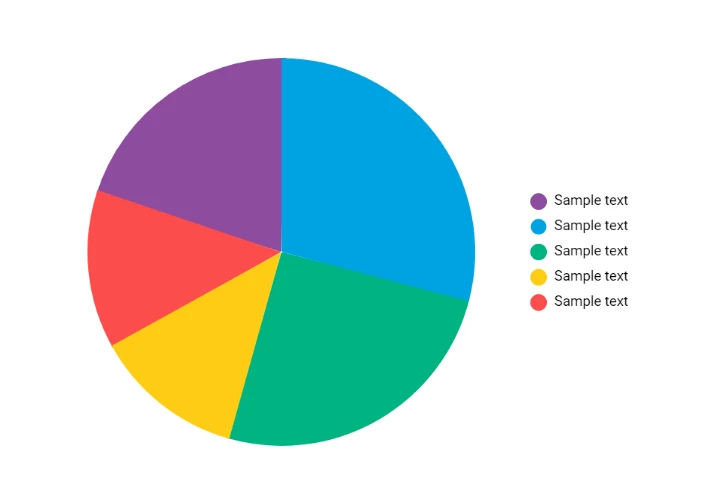
Pie charts are circular statistical graphics that are divided into slices to illustrate numerical proportions. Each slice represents a different category or value, with the size of the slice corresponding to the proportion of that category in relation to the whole.
The entire pie represents 100% of the data, making it easy to quickly understand the distribution of values.
Why Use Pie Charts?
Pie charts are a powerful tool for visualizing data because they allow viewers to easily grasp the part-to-whole relationship. They are particularly useful when you want to compare the proportions of different categories or show how a single category contributes to the whole.
Pie charts can help identify trends, patterns, and outliers in the data at a glance, making them a valuable addition to any data analysis toolkit.

Key Elements of a Pie Chart
– Title: Clearly label the pie chart to indicate what it represents.
– Slices: Each slice represents a different category or value.
– Labels: Include labels for each slice to indicate the category and percentage.
– Legend: Use a legend to provide additional information about the data.
– Colors: Choose distinct colors to differentiate between slices.
– Exploded Pie Chart: Highlight a specific slice by pulling it out from the rest of the pie.
How to Create a Pie Chart
Creating a pie chart is relatively simple, especially with the help of data visualization tools like Microsoft Excel or Google Sheets. Follow these steps to create your own pie chart:
1. Input Data: Enter your data into a spreadsheet, with one column for categories and another for values.
2. Select Data: Highlight the data you want to include in the pie chart.
3. Insert Chart: Go to the insert tab and select the pie chart option.
4. Customize: Adjust the chart title, labels, colors, and other elements to enhance readability.
5. Interpret: Analyze the pie chart to draw insights and identify patterns in the data.
Tips for Interpreting Pie Charts
– Avoid Too Many Slices: Limit the number of slices to ensure clarity and prevent visual clutter.
– Use Percentages: Include percentage labels on each slice to provide additional context.
– Start at 12 O’Clock: Arrange slices in descending order from the 12 o’clock position to facilitate comparison.
– Explode Important Slices: Pull out key slices to draw attention to significant categories.
– Provide Context: Include a title, legend, and labels to help viewers understand the data represented.
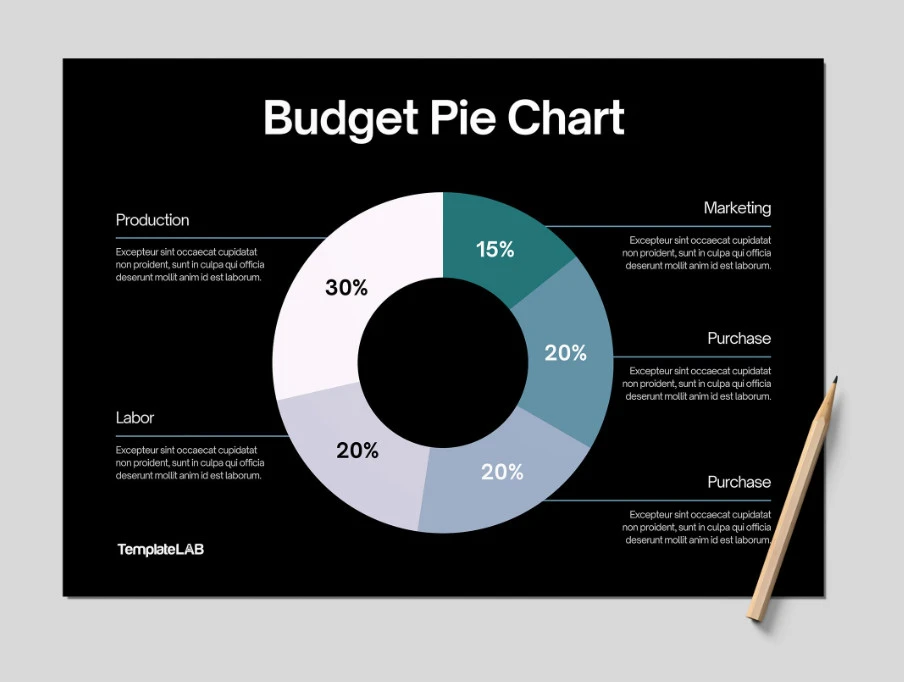
In conclusion, pie charts are a valuable tool for visualizing and understanding the part-to-whole relationship in a dataset. By following best practices for creating and interpreting pie charts, you can effectively communicate complex data clearly and concisely. Next time you need to compare proportions or identify trends in your data, consider using a pie chart to enhance your analysis.
Pie Chart Template – Download
