Process charts are powerful tools that visually represent a sequence of steps, decisions, and actions in a process. They play a crucial role in improving understanding, communication, and efficiency in various industries.
By clarifying how a task is performed, identifying bottlenecks and inefficiencies, and serving as a tool for training, standardization, and project planning, process charts help organizations streamline their operations and achieve better outcomes.
What are Process Charts?
Process charts, also known as flowcharts or process maps, are graphical representations that illustrate the steps involved in completing a specific task or process. They use symbols and connecting lines to show the flow of information, materials, or actions from one step to another.
Process charts can vary in complexity, from simple diagrams outlining a basic process to more detailed maps that capture every decision point and subprocess.
Why Use Process Charts?
There are several reasons why organizations use process charts as a fundamental tool in their operations:
- Improved Understanding: Process charts provide a clear visual representation of how a process works, making it easier for employees to grasp the sequence of steps and dependencies.
- Enhanced Communication: Process charts facilitate effective communication by offering a common visual language that can be understood by all stakeholders involved in a process.
- Efficiency Gains: By identifying bottlenecks, redundancies, and inefficiencies, process charts help organizations streamline their operations and increase productivity.
- Training Tool: Process charts serve as a valuable training tool for new employees, allowing them to quickly understand how tasks are performed within the organization.
Key Elements of a Process Chart
When creating a process chart, there are several key elements to consider:
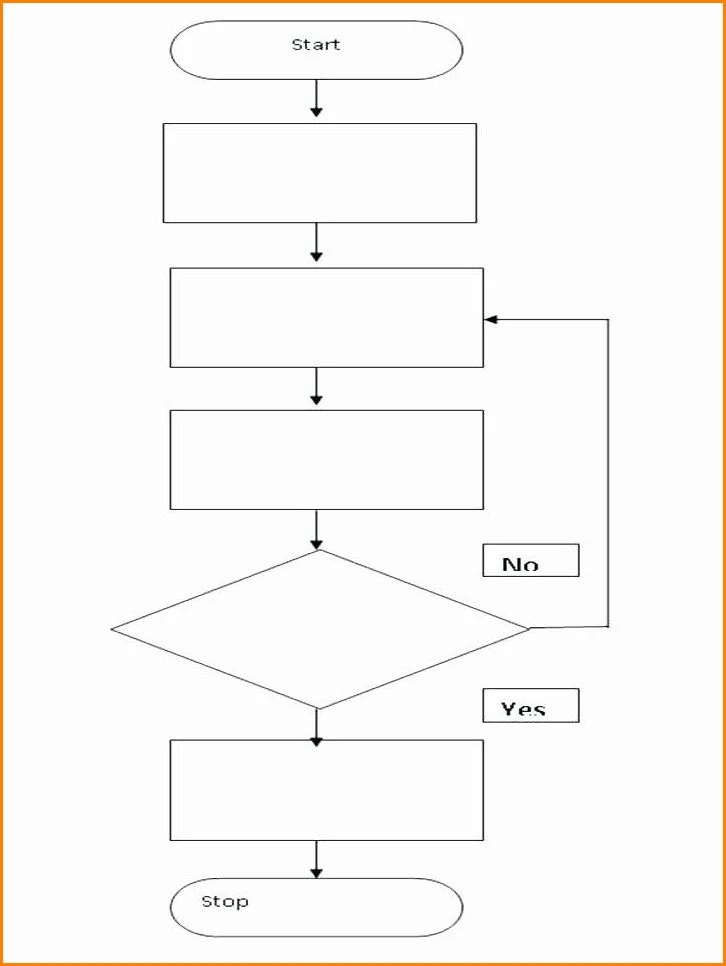
- Start and End Points: Clearly define the beginning and end of the process to provide a clear start and finish for the flowchart.
- Process Steps: Identify each step in the process and connect them with arrows to indicate the flow of work.
- Decision Points: Highlight any decision points where the process may take different paths based on specific conditions.
- Inputs and Outputs: Specify the inputs required to start the process and the outputs produced at the end of each step.
How to Create a Process Chart
Creating a process chart involves the following steps:
- Identify the Process: Clearly define the process you want to map out, ensuring you have a good understanding of its steps and objectives.
- Select a Tool: Choose a tool or software that allows you to create process charts, such as Microsoft Visio, Lucidchart, or even pen and paper.
- Draw the Chart: Start by listing the steps in sequential order and connecting them with arrows to represent the flow of work.
- Review and Refine: Once the chart is complete, review it with team members or stakeholders to ensure accuracy and clarity.
Tips for Successful Process Charts
To create effective process charts, consider the following tips:
- Keep it Simple: Avoid unnecessary complexity and focus on capturing the essential steps of the process.
- Use Consistent Symbols: Standardize symbols and shapes to ensure consistency and easy interpretation of the chart.
- Include Key Information: Provide relevant details such as time estimates, responsible parties, and decision criteria to enhance the chart’s usefulness.
- Update Regularly: As processes evolve, make sure to update your process charts to reflect any changes and improvements.
Process Chart Template – Free Download
