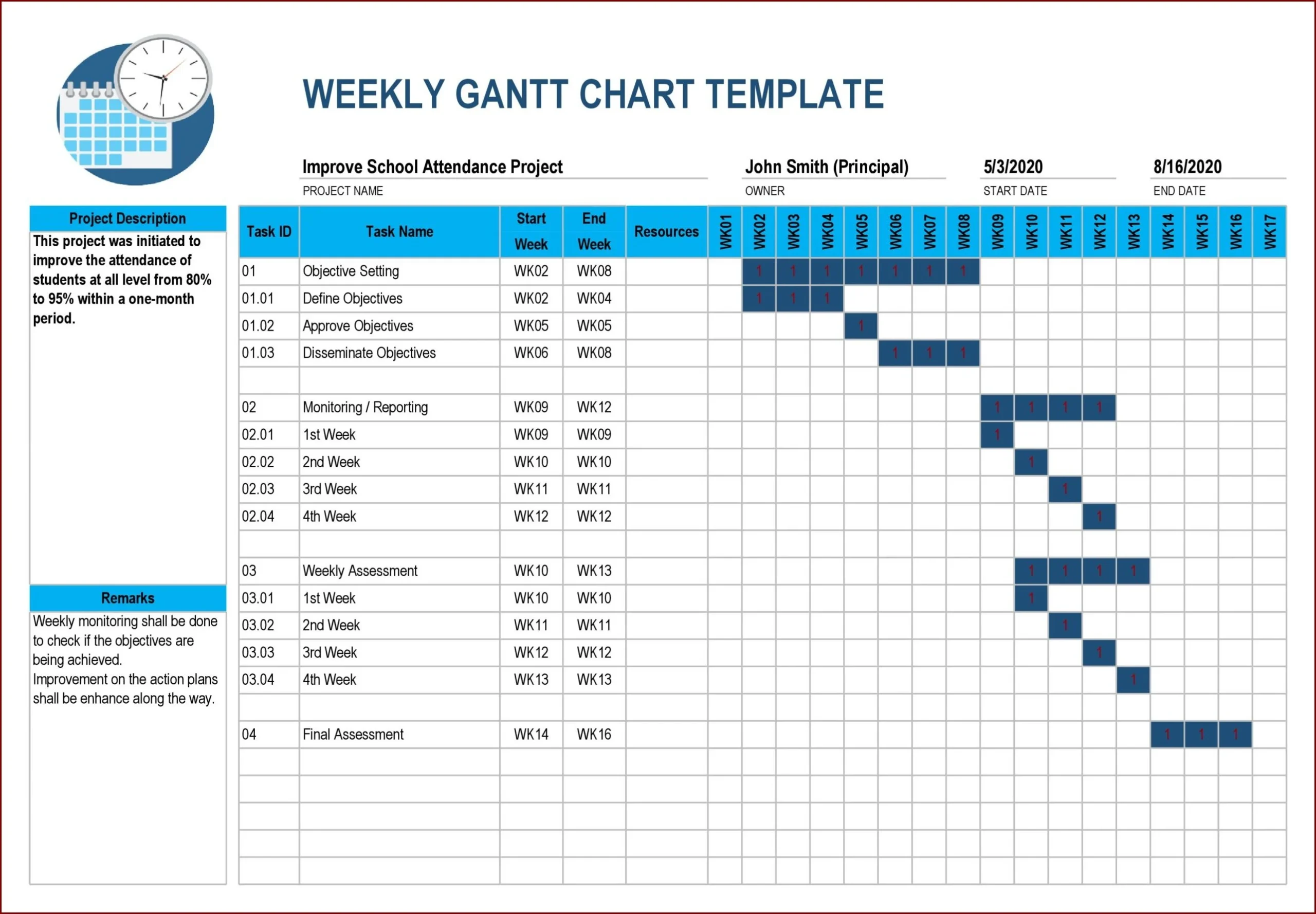
Project charts are invaluable tools for visually representing project data to aid in planning, tracking, and management. They provide a clear overview of project timelines, tasks, and dependencies, helping teams align, monitor progress, identify bottlenecks, and make informed decisions to keep the project on track.
In this comprehensive guide, we will delve into the what, why, how to, and tips for successful project chart utilization.
What is a Project Chart?
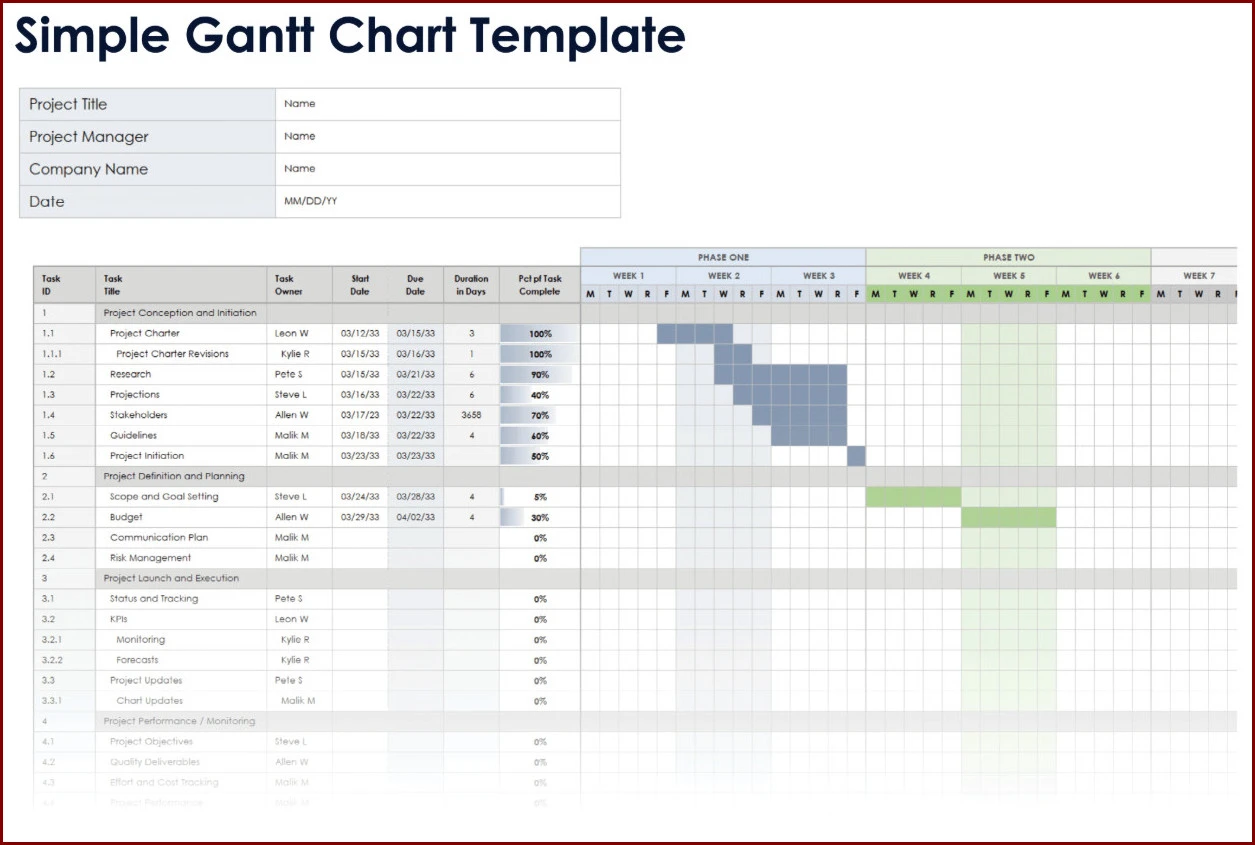
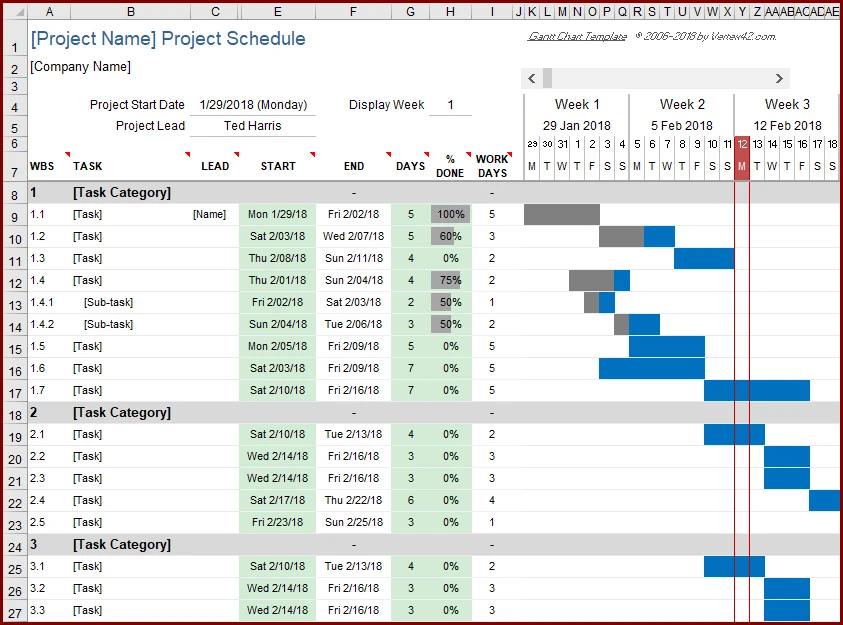
A project chart, also known as a project timeline or Gantt chart, is a visual representation of a project plan. It displays tasks, milestones, timelines, dependencies, and resources in a graphical format, providing a clear overview of the project’s progress and status. Project charts are essential for project managers and team members to stay organized, track progress, and make informed decisions throughout the project lifecycle.
Why Use Project Charts?
Project charts offer numerous benefits for project planning, tracking, and management:
- Clear Visualization: Project charts provide a visual representation of project data, making it easier to understand and communicate project timelines, tasks, and dependencies.
- Alignment: Teams can align on project goals, tasks, and deadlines by visualizing the project plan in a chart format.
- Progress Monitoring: Project charts allow teams to track progress, identify delays, and take corrective actions to keep the project on schedule.
- Identifying Bottlenecks: By visualizing dependencies and critical paths, project charts help identify bottlenecks and areas for improvement in the project plan.
- Informed Decision-Making: Project charts enable teams to make informed decisions based on real-time project data, leading to better outcomes and successful project delivery.
What to Include in a Project Chart
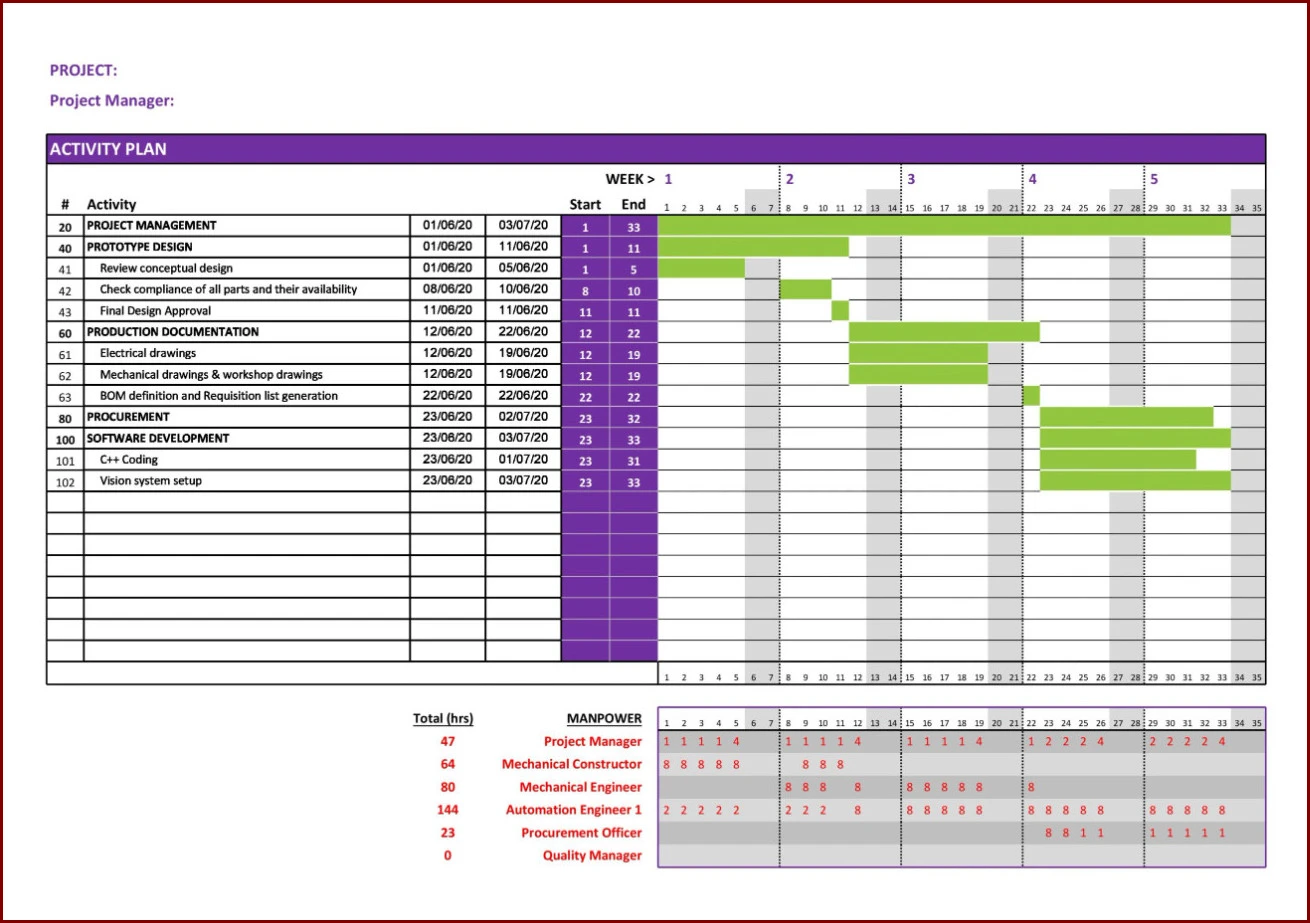
When creating a project chart, consider including the following elements to effectively visualize your project plan:
- Tasks: List all project tasks, including their start and end dates, durations, and dependencies.
- Milestones: Highlight key project milestones to track progress and celebrate achievements.
- Timelines: Display project timelines to visualize the overall project schedule and deadlines.
- Dependencies: Show task dependencies to understand the sequence of tasks and potential bottlenecks.
- Resources: Allocate resources to tasks to ensure efficient project execution and resource management.
How to Create a Project Chart
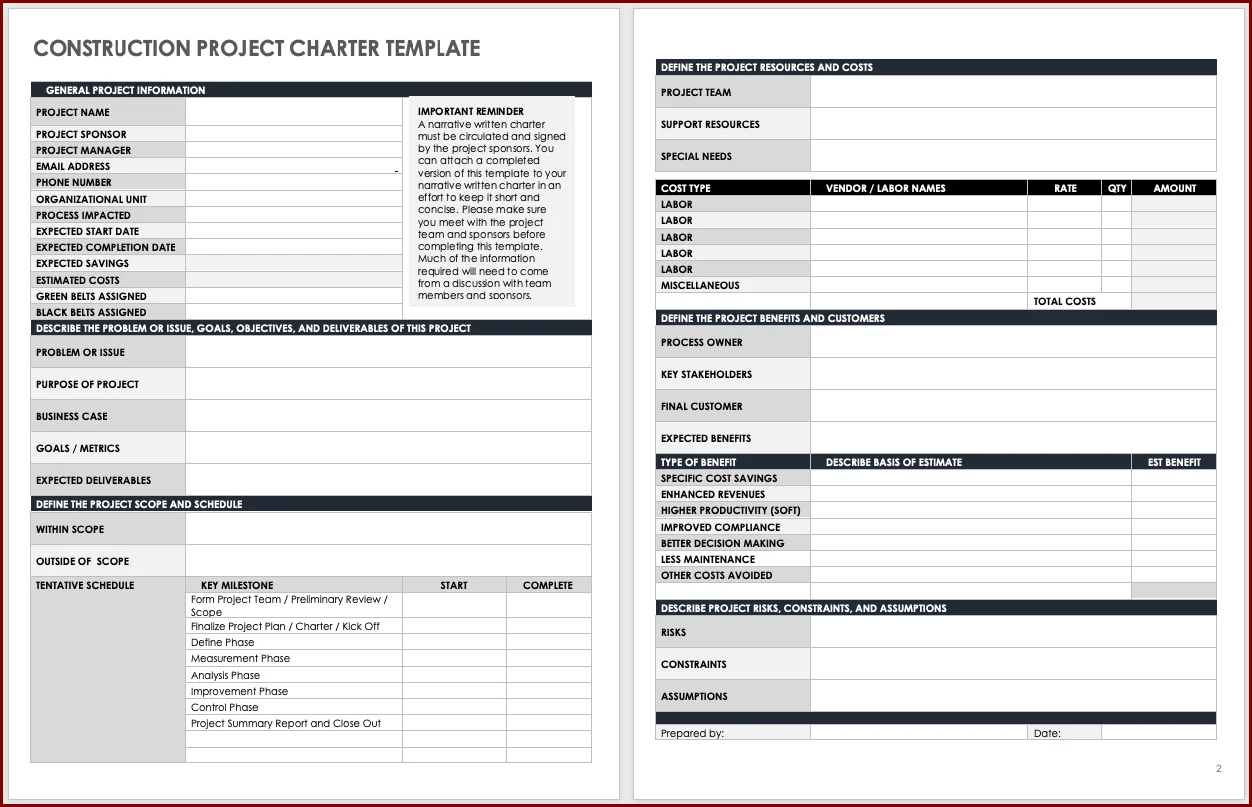
Creating a project chart involves the following steps:
1. Define Project Scope and Objectives
Clearly define the project scope, objectives, deliverables, and milestones to establish a solid foundation for your project chart.
2. Identify Tasks and Dependencies
List all project tasks, estimate durations, and identify task dependencies to create a sequential project plan.
3. Choose a Project Chart Tool
Select a project management tool or software that offers project chart functionality, such as Microsoft Project, Asana, or Trello.
4. Create the Project Chart
Input tasks, milestones, timelines, dependencies, and resources into the project chart tool to visualize your project plan.
5. Monitor Progress and Make Adjustments
Regularly update the project chart, monitor progress, and make adjustments as needed to keep the project on track and achieve successful outcomes.
Tips for Successful Project Chart Utilization
Here are some tips to maximize the effectiveness of your project chart:
- Regular Updates: Keep the project chart up to date with real-time data to ensure accurate tracking and decision-making.
- Collaboration: Encourage team collaboration and input when creating and updating the project chart to foster transparency and alignment.
- Communicate Changes: Communicate any changes to the project chart with team members to ensure everyone is on the same page.
- Set Realistic Deadlines: Ensure project timelines and deadlines are realistic and achievable to prevent delays and setbacks.
- Celebrate Milestones: Acknowledge and celebrate project milestones to boost team morale and motivation throughout the project.
By leveraging project charts effectively, project teams can streamline project planning, tracking, and management processes, leading to successful project delivery and outcomes. Incorporate these best practices and tips into your project chart utilization to enhance collaboration, decision-making, and project success.
Project Chart Template – Excel
