A telephone directory is a simple yet effective way to organize important contact information in one convenient place. Whether you need to keep track of family members, friends, business contacts, or emergency numbers, a well-organized directory makes finding the right phone number much easier.
Although smartphones and digital contact apps are widely used today, printable telephone directories remain useful for homes, offices, schools, and small businesses. They provide a clear overview of important contacts and offer a convenient backup when digital devices are unavailable.
In this guide, you will discover what a telephone directory is, what information to include, how to organize contacts, and how to use a printable telephone directory template to create your own contact database.
What Is a Telephone Directory?
A telephone directory is an organized list of contact information that helps people find and retrieve phone numbers and other important details quickly. It typically includes names, telephone numbers, physical addresses, and sometimes email addresses or additional notes.
Traditional telephone directories were printed books containing residential and business listings. Today, the term also describes digital contact databases, office directories, and printable contact lists designed for personal or professional use.
A telephone directory can serve several purposes, including:
- Personal contact management: Keeping family, friends, and important personal numbers together.
- Business communication: Organizing clients, suppliers, employees, and professional contacts.
- Office administration: Providing employees with quick access to internal extensions and department numbers.
- Emergency preparedness: Keeping essential emergency services and backup contacts accessible.
- Information management: Maintaining a structured record of contact details for easy reference.
Regardless of its format, a good directory makes contact information easier to find, update, and maintain.
What Information Should a Telephone Directory Include?
The information in a telephone directory depends on how you plan to use it. A personal contact list may only require basic details, while a business telephone directory may need additional fields to support daily communication.
Here are the most useful details to include when creating your directory.
1. Full Name
Record the complete name of each person or contact. Using full names instead of nicknames helps prevent confusion, especially when several contacts have similar names.
2. Phone Number
Include the primary telephone number for each contact. If necessary, add separate fields for mobile, home, office, or alternative numbers.
3. Address
An address is useful when you need to send documents, visit a business, or identify where a contact is located. Include a complete mailing or business address when relevant.
4. Email Address
Although a telephone directory focuses on phone numbers, adding email addresses creates a more complete contact database. This is particularly helpful for professional communication.
5. Additional Notes
A notes section provides space for useful information, such as department names, preferred contact methods, business hours, or other details that help identify a contact.
Only include information that is necessary for your directory’s purpose. Avoid collecting unnecessary personal details.
Free Printable Telephone Directory Templates
Using a printable telephone directory template is an easy way to start organizing your contacts without designing a spreadsheet from scratch. A structured layout provides dedicated spaces for each type of information, making entries easier to read and update.
Below are five telephone directory layouts designed for different organizational needs.
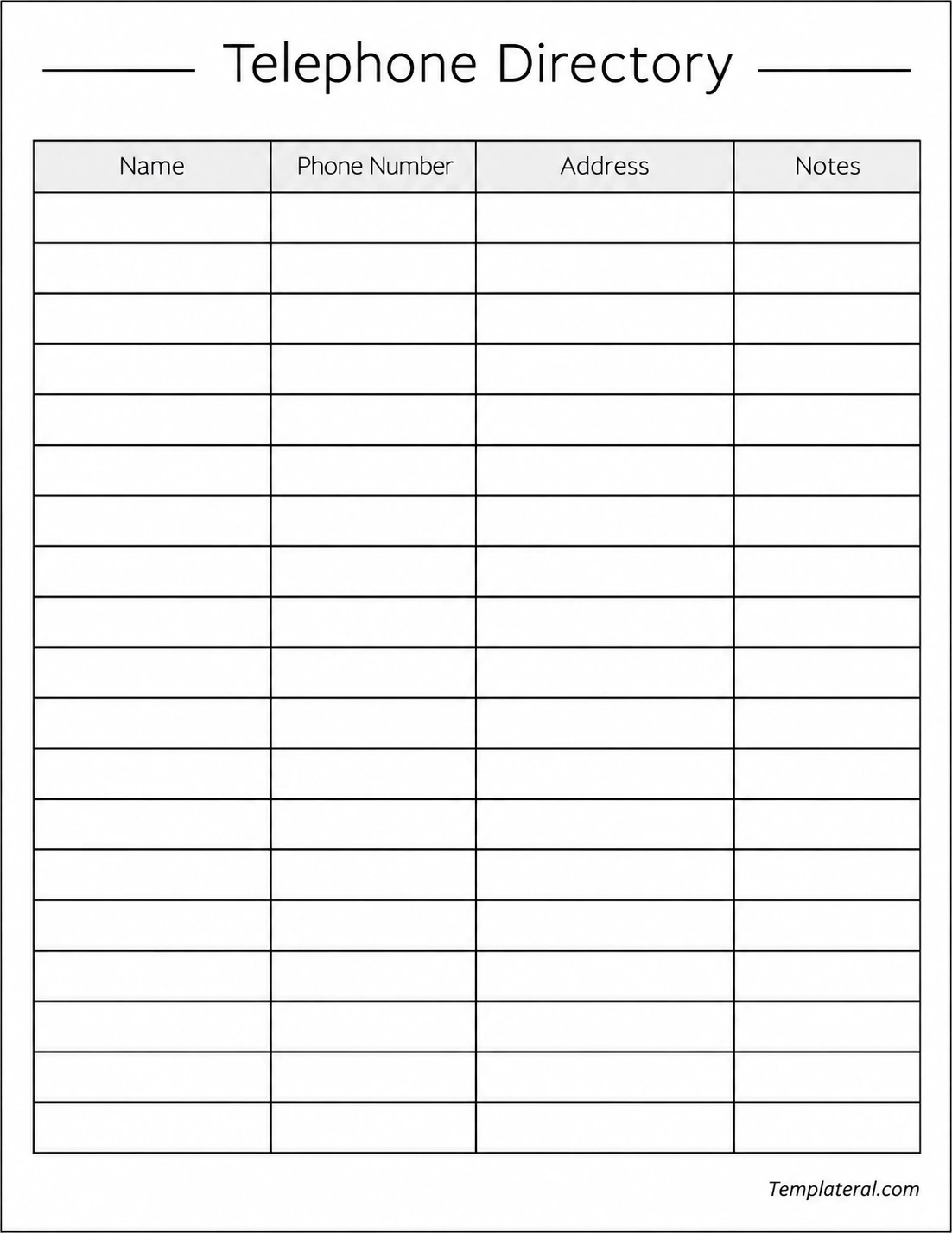
1. General Telephone Directory Template
This classic telephone directory template is suitable for everyday contact management. It includes columns for names, phone numbers, addresses, and notes.
Use this layout to organize personal contacts, household service providers, neighbors, or other important numbers. Its simple table structure makes it easy to add new entries and locate existing information.
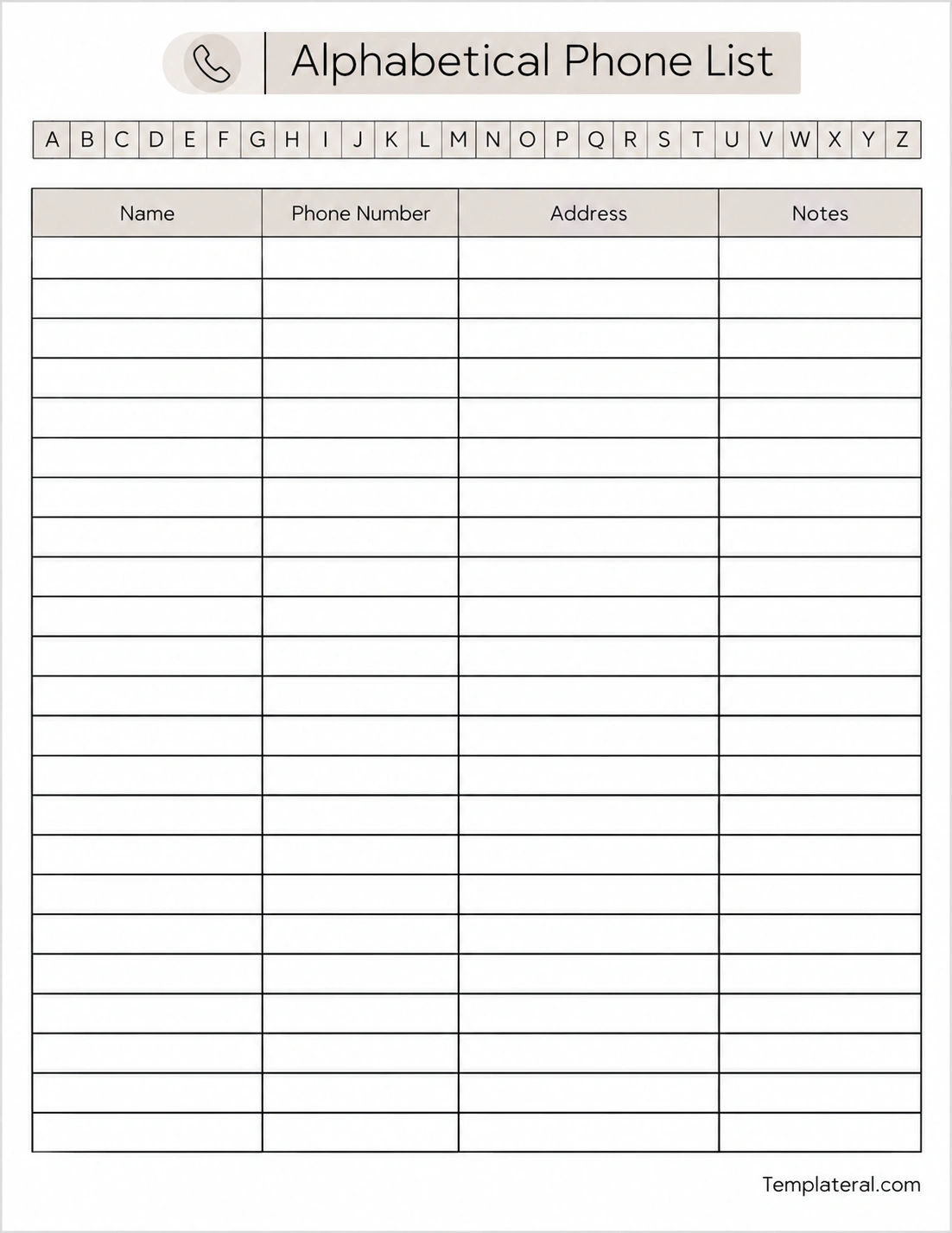
2. Alphabetical Phone List Template
An alphabetical phone list is ideal when you have many contacts and want to find specific names quickly. Organizing entries from A to Z creates a familiar structure that makes searching more convenient.
This layout works particularly well for offices, schools, community organizations, and households with extensive contact lists. You can use the alphabetical index to group names under their corresponding letters.
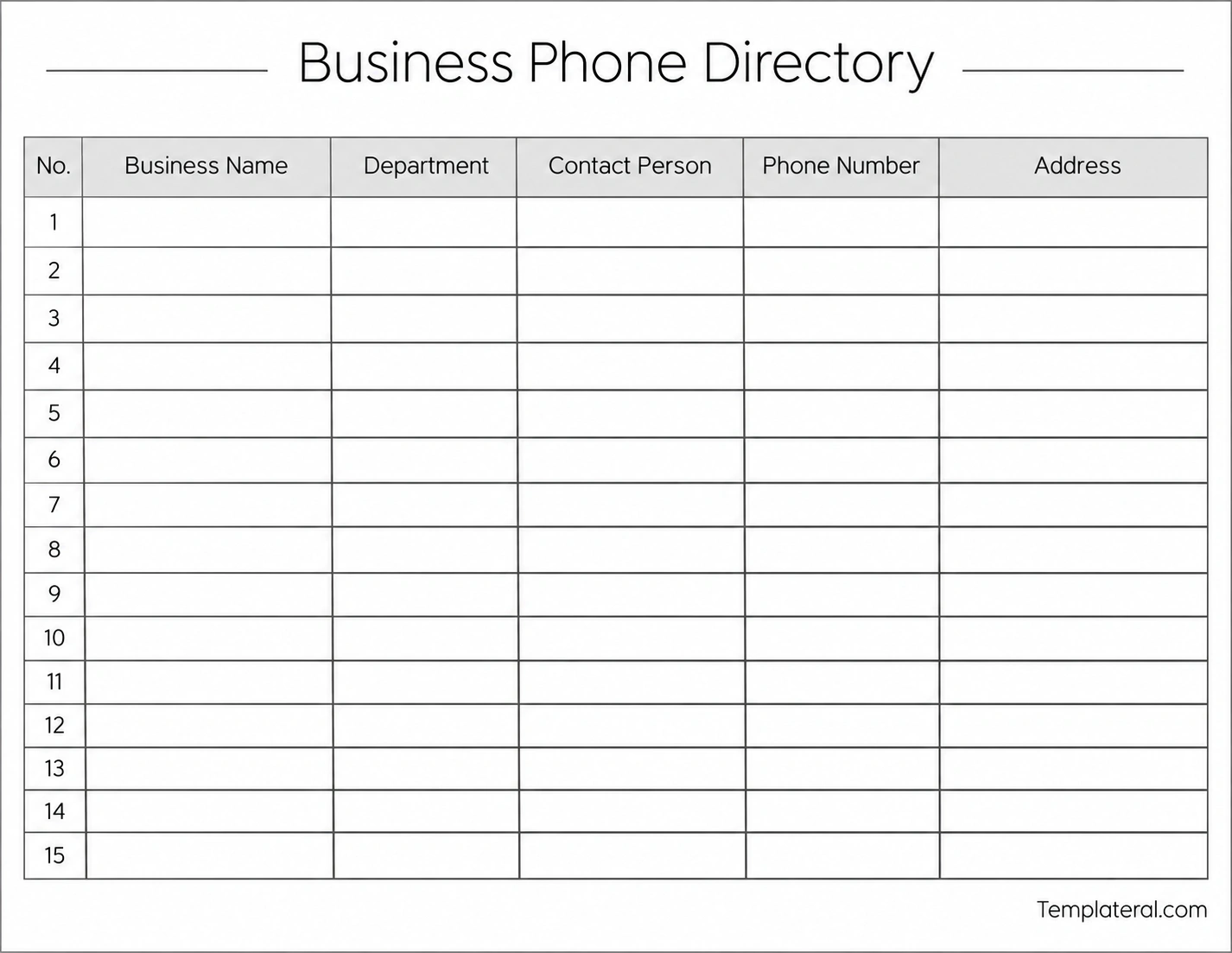
3. Business Phone Directory Template
A business telephone directory helps companies maintain organized records of their professional contacts. It can include business names, departments, contact persons, telephone numbers, and addresses.
This format is especially useful for administrative teams, customer service departments, sales representatives, and small business owners.
For internal company use, you can also customize the columns to include employee extensions, office locations, or department-specific contact details.
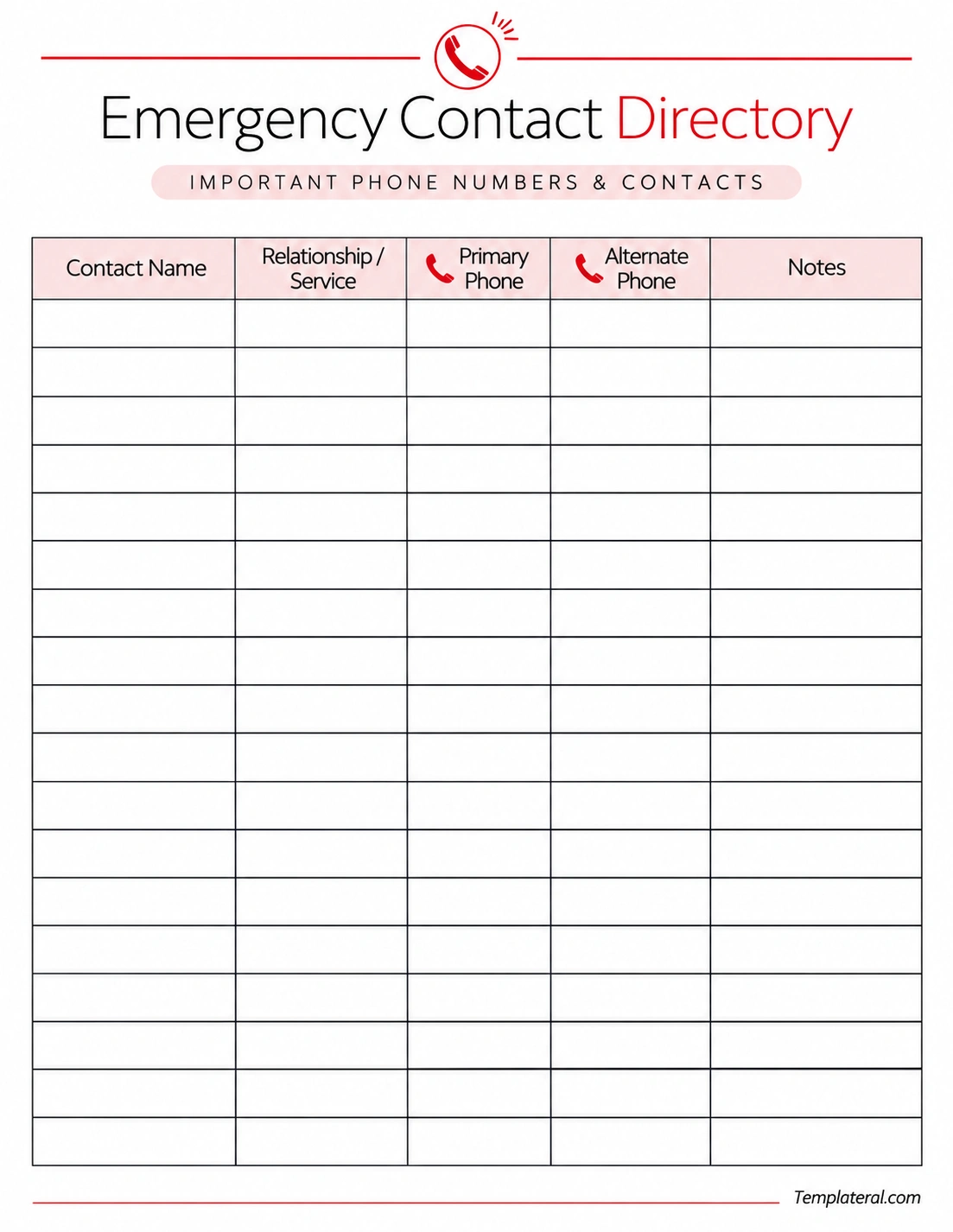
4. Emergency Contact Directory Template
An emergency contact directory keeps essential phone numbers in an easy-to-access location. It can include family members, trusted contacts, medical providers, local emergency services, and other important resources.
Consider recording both primary and alternative telephone numbers. Having a backup number can be helpful if the main contact cannot be reached.
Place this directory somewhere accessible to authorized household members or office staff. Review the information regularly to ensure that all numbers remain current.
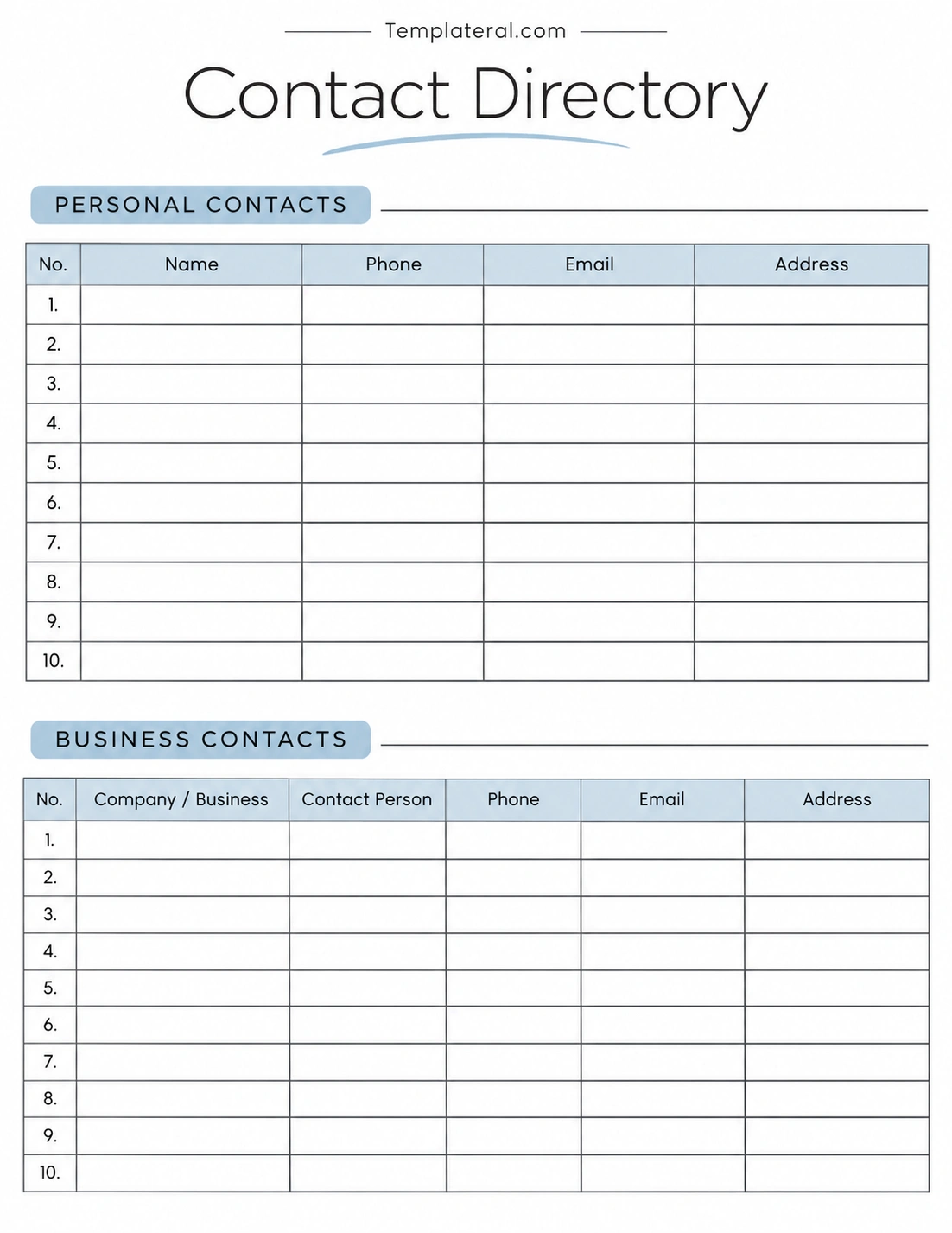
5. Personal and Business Contact Directory Template
If you manage different types of contacts, separating personal and business information can make your directory more practical.
This layout provides dedicated sections for personal contacts and professional connections. Each section can include names, phone numbers, email addresses, and physical addresses.
It is a useful option for freelancers, entrepreneurs, home-based businesses, and anyone who wants to keep personal and professional communication organized in one document.
How to Create an Organized Telephone Directory
Creating a useful telephone directory does not require complicated software. You can start with a printable template and follow a few simple steps.
Step 1: Determine Your Purpose
Decide whether your directory will be used for personal contacts, business communication, office administration, or emergency information. Your purpose determines which fields you need.
Step 2: Gather Contact Information
Collect the necessary details before entering them into your directory. Check that names, phone numbers, and addresses are accurate.
Step 3: Choose a Suitable Layout
Select a format that matches the number and type of contacts you manage. An alphabetical list works well for large directories, while a general contact table is suitable for smaller lists.
Step 4: Organize Your Entries
Arrange contacts alphabetically, by department, by category, or by another logical system. Consistent organization makes information easier to retrieve.
Step 5: Review and Update Regularly
Contact information can change over time. Review your telephone directory periodically and update outdated numbers, addresses, and other details.
Printed vs. Digital Telephone Directories
Both printed and digital telephone directories offer practical ways to manage contact information. The best option depends on your daily needs and how you prefer to access your records.
Printed telephone directories provide a physical reference that does not depend on internet access, battery life, or electronic devices. They are useful for offices, households, reception areas, and emergency contact lists.
Digital telephone directories offer convenient search functions, easy editing, and the ability to store large numbers of contacts. They are suitable for businesses that frequently update their contact databases.
Here are some advantages of each format:
- Printed format: Easy to access, simple to use, and convenient for quick reference.
- Digital format: Searchable, editable, and suitable for managing larger contact databases.
- Combined approach: A digital master list with a printed backup provides flexibility and accessibility.
For many households and small businesses, combining both formats is a practical solution.
Tips for Maintaining an Accurate Contact Directory
A telephone directory is only useful when its information is accurate and organized. Good maintenance habits help prevent outdated records and unnecessary confusion.
- Use consistent formatting: Record phone numbers using the same format throughout your directory.
- Sort contacts logically: Use alphabetical order or clear categories.
- Remove outdated entries: Delete or archive contacts that are no longer relevant.
- Verify important numbers: Confirm critical contact information periodically.
- Protect private information: Store directories securely and share them only with authorized people.
- Keep a backup: Maintain a digital copy or an additional printed version when appropriate.
These simple practices make your contact directory more reliable and easier to use over time.
Frequently Asked Questions About Telephone Directories
What is the main purpose of a telephone directory?
The main purpose of a telephone directory is to organize and store contact information, including names, phone numbers, and addresses. It allows users to find important contacts quickly and simplifies communication.
What information is included in a telephone directory?
A typical telephone directory includes full names, telephone numbers, and addresses. More detailed versions may also contain email addresses, company names, departments, contact persons, and additional notes.
Are telephone directories still useful today?
Yes. Although smartphones and digital contact applications are widely available, printed telephone directories remain useful as physical backups, office reference documents, and household contact lists.
What is the difference between a telephone directory and a contact list?
A contact list is a general collection of contact details. A telephone directory is usually a more structured list that organizes names and phone numbers using categories, alphabetical order, or other consistent arrangements.
How do I organize phone numbers alphabetically?
Arrange contact names from A to Z based on the first letter of each person’s last name or business name. Use the same sorting method throughout the directory to make searching consistent.
Can I use a telephone directory template for business purposes?
Yes. A business telephone directory template can organize clients, suppliers, employees, departments, and professional contacts. You can customize its fields to match your company’s communication requirements.
How often should I update my telephone directory?
Review your directory whenever contact information changes. For business use, a monthly or quarterly review can help maintain accurate records. Emergency contact information should be checked more frequently when necessary.
Is it better to use a printed or digital telephone directory?
Both formats have advantages. Printed directories provide convenient offline access, while digital directories offer faster searching and editing. Using both can provide a practical balance between accessibility and convenience.
Conclusion
A well-organized telephone directory makes managing personal and professional contacts much easier. By keeping names, phone numbers, addresses, and other essential details in one structured location, you can save time and improve everyday communication.
Whether you need a simple personal phone list, a business contact database, or an emergency contact directory, choosing the right layout is an important first step.
Use a printable telephone directory template to organize your information, customize the fields to suit your needs, and review your entries regularly. With a consistent system, keeping track of important contacts becomes simple, practical, and efficient.
Download: Telephone Directory Template
