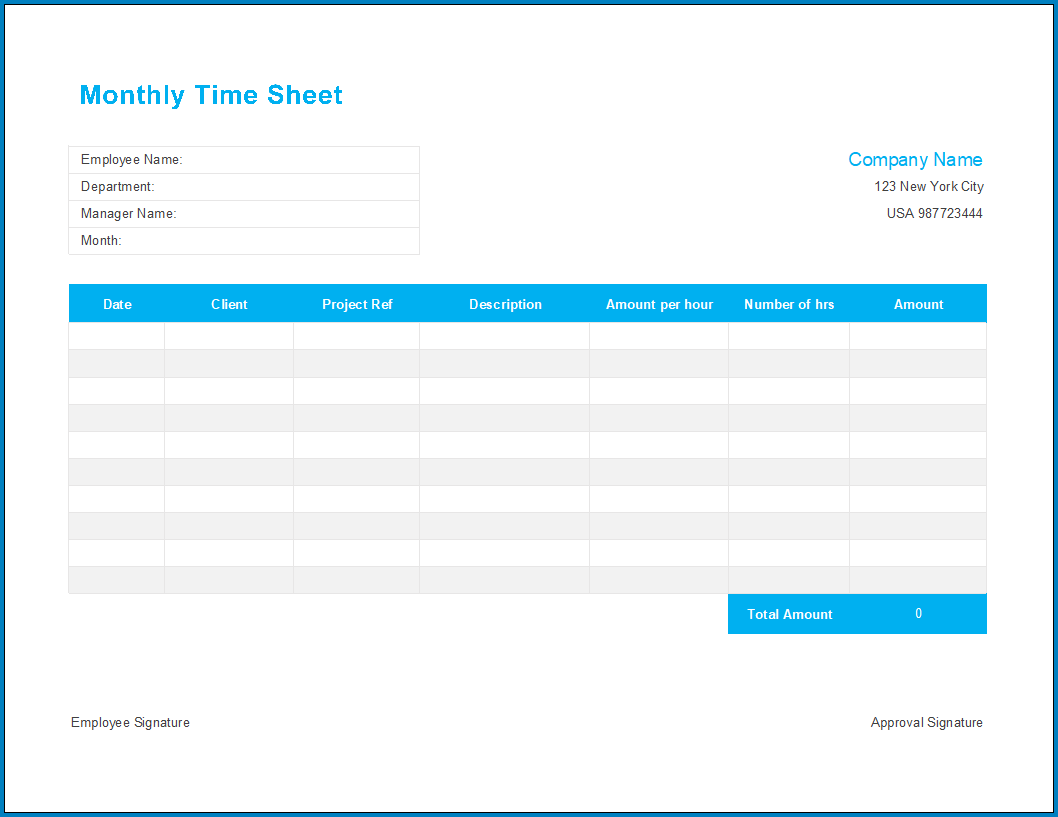
Keeping track of employee work hours, absences, overtime, and leave can be a daunting task for any business. However, with the use of a monthly timesheet, this process becomes much more manageable. In this comprehensive guide, we will delve into what a monthly timesheet is, why it is important, what to include in one, how to effectively manage it, and tips for successful implementation.
What is a Monthly Timesheet?
A monthly timesheet is a document used by organizations to record and summarize an employee’s total work hours, absences, overtime, and leave across a full one-month pay period. It serves as a crucial tool for tracking employee attendance, calculating payroll, and monitoring productivity.
Why Use a Monthly Timesheet?
There are several reasons why businesses should implement monthly timesheets. Firstly, it provides accurate data on employee work hours, which is essential for calculating wages and ensuring compliance with labor laws. Additionally, a timesheet helps managers identify trends in employee attendance and address any issues promptly. Moreover, it streamlines the payroll process and minimizes errors.
What to Include in a Monthly Timesheet
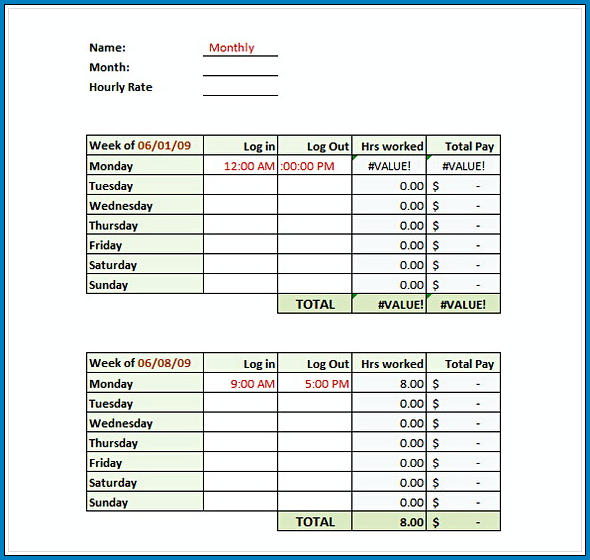
When creating a monthly timesheet, it is important to include the following essential elements:
- Employee Information: Name, employee ID, department
- Date Range: Start and end date of the pay period
- Work Hours: Regular hours, overtime hours, total hours worked
- Absences: Sick leave, vacation days, personal days
- Approvals: Employee signature, manager approval
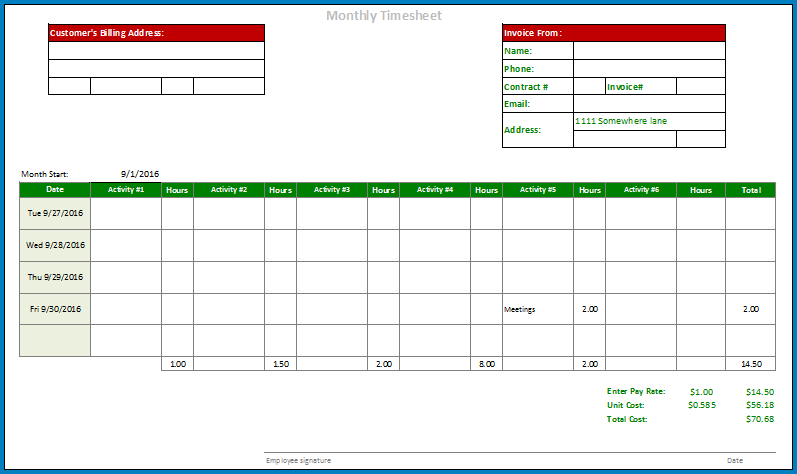
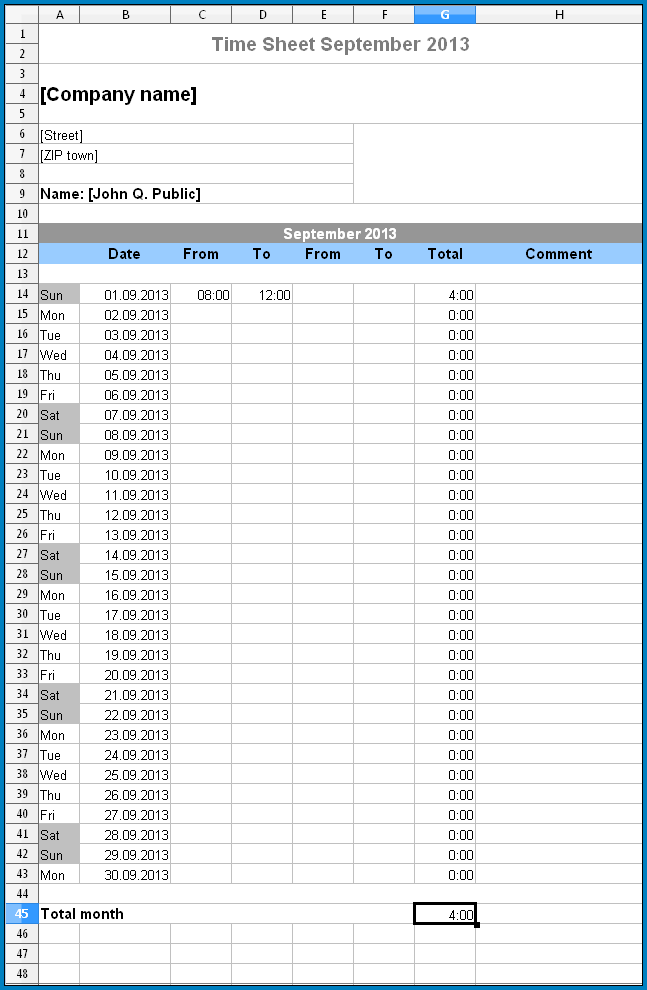
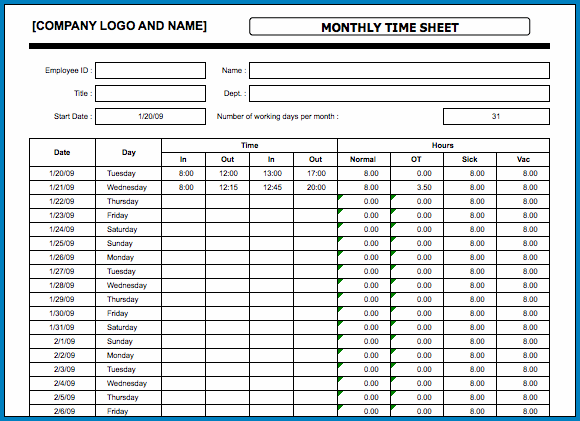
Samples of Monthly Timesheet:
How to Manage a Monthly Timesheet
Effective management of monthly timesheets involves establishing clear guidelines and processes. Here are some key steps to ensure smooth timesheet management:
1. Implement a Centralized System
Utilize a digital timesheet software or spreadsheet template to centralize all employee time tracking data in one place.
2. Set Clear Policies
Establish clear guidelines on how employees should fill out their timesheets, including deadlines for submission and approval.
3. Monitor Regularly
Regularly review and monitor timesheets to identify any discrepancies or issues that need to be addressed promptly.
4. Provide Training
Offer training to employees on how to accurately fill out their timesheets and educate them on the importance of accurate time tracking.
Tips for Successful Timesheet Management
Here are some tips to enhance the effectiveness of your monthly timesheet management:
- Automate Processes: Use time tracking software to automate timesheet calculations and approvals.
- Encourage Transparency: Foster open communication with employees regarding timesheet policies and expectations.
- Regular Audits: Conduct regular audits of timesheets to ensure accuracy and compliance.
- Provide Feedback: Offer feedback to employees on their timesheet submissions to encourage accountability.
In Conclusion
Monthly timesheet management plays a vital role in ensuring accurate payroll processing, monitoring employee attendance, and improving overall productivity. By following the guidelines outlined in this guide and implementing best practices, businesses can streamline their timesheet management processes and achieve greater efficiency in workforce management.
